Team 1
VS
Team 2

Loading notifications…
Find your next game.
Open Plays you’ve been invited to join.
Review the session details. Join requests follow the host’s approval settings.
See your games and be ready when it’s your turn.
Your games and queue appear here once the host publishes them.
Find an Open PlayKnow who’s next. Get ready before your turn.
Queue order and pairings are controlled by the host. Refresh to see the latest published state.
Pickleball gear discovery is not available yet. No products, cart or checkout are offered in this release.
Browse Open PlaysFind a venue and make time to play.
New courts will appear here as more venues join PlayMeu.
Playing with a group? Explore Community Open Play →
Give your pickleball venue a home on PlayMeu.
Your court reservations, confirmation and check-in details.
Your joined sessions are in My Open Plays. Their assigned games are in Matchups.

Loading notifications…
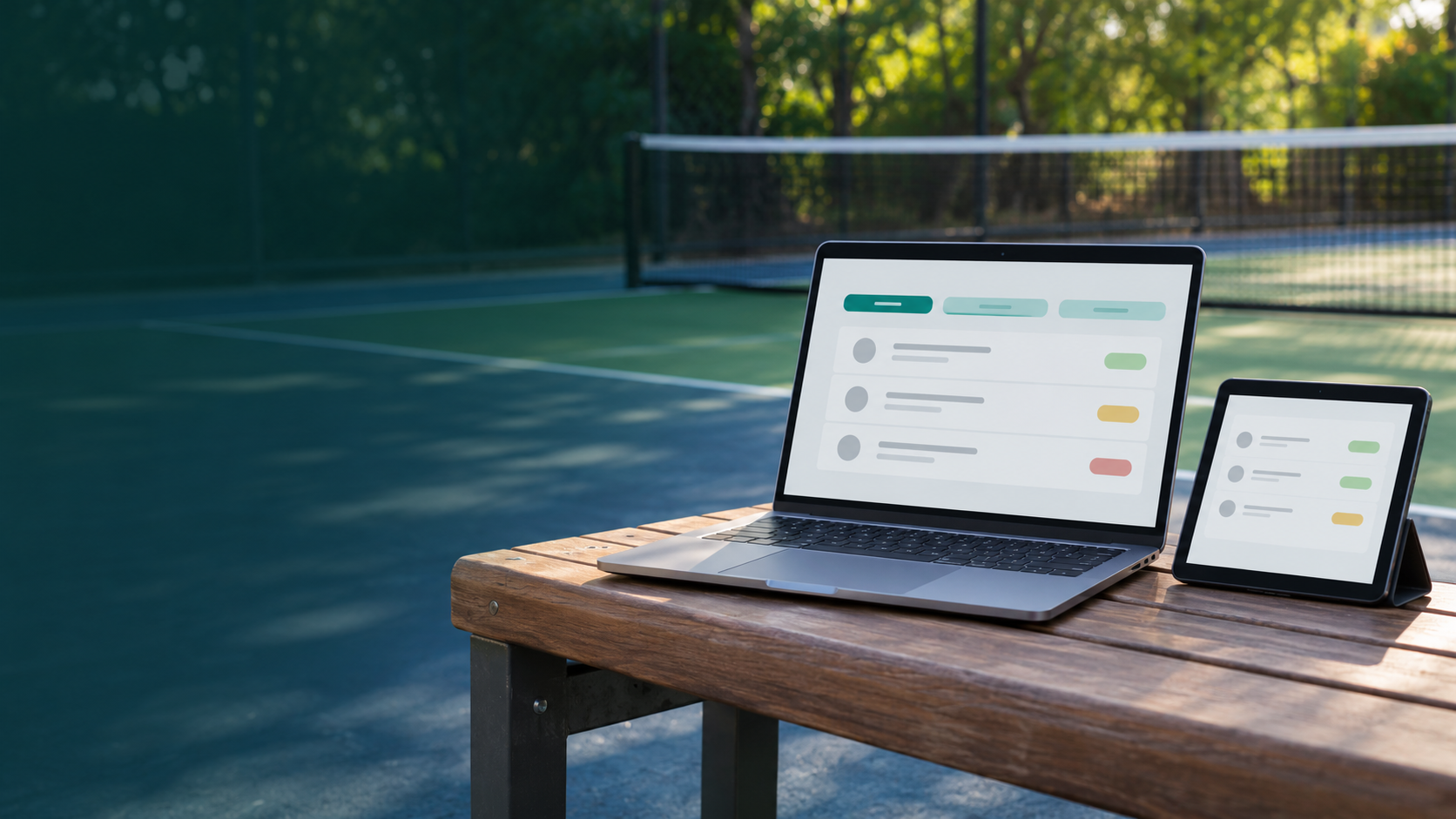
Find your next game—where Me meets You.
PLAYER ACCOUNT
Log in to find your games, invitations, and bookings.
Find your next game—where Me meets You.
JOIN PLAYMEU
Create your player account and make time to play.
Find your next game—where Me meets You.
ACCOUNT RECOVERY
Enter your PlayMeu player email. Your reset link will be valid for 5 minutes.
Find your next game—where Me meets You.
ACCOUNT RECOVERY
Choose a new password for your existing player account. The link expires 5 minutes after it was sent.
Find your next game—where Me meets You.
ACCOUNT RECOVERY
If this player email is registered, a password reset link will arrive shortly. It expires in 5 minutes. Check spam too.
Find your next game—where Me meets You.
ACCOUNT RECOVERY
Your password was changed. Return to player sign in using your new password.
Bring players together. Make time to play.
Court access is arranged by the host. Creating a Community Open Play does not reserve a venue’s courts.